


Download Today!
NEW NAEDA
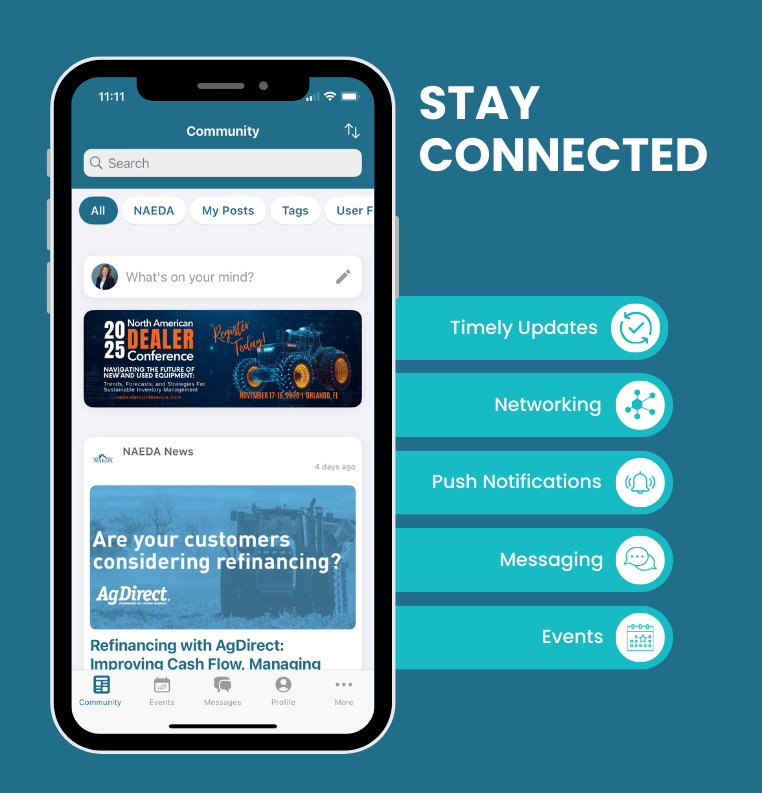
COMMUNITY APP
The next level in staying connected, informed and engaged!


how to access
Rolling Out To Members Only First
Please follow the instructions below to gain access to the new NAEDA mobile app.
Please note: Access to the app is available only if your contact information is in our database. If we don’t have your details yet, you won’t be able to log in—but we’ll be glad to help get you set up! See information below on how to provide us with your contact information.
Accessing the app is a three-step process
United States Members & National/International Associate Members
Please follow these steps in order:
STEP ONE: Reset Password in NAEDA U.S. Database
-
Click Forgot Password
-
Enter Email Address, then follow the steps
SET TWO: Download NAEDA Community & Event Mobile APP
- Apple App Store (iOS) https://apps.apple.com/us/app/naeda-community/id6749270716
- Google Play Store (Android) https://play.google.com/store/apps/details?id=com.clowder.naeda&pli=1
STEP THREE: Select Country of Origin and Login
-
Select a role as a user in the U.S. (National/International Associate Members Country of Origin is U.S.)
-
Use New Password to login to app
-
Username: email address
-
Password: new password set in our database
If you have issues gaining access to the app, you may not be in our database or need additional assistance. Please use this link [update profile] to add your information to our database or contact Katie Sanders at ksanders@naeda.com or (800) 762-5616.
Canada Members & Canada Only Associate Members
Please follow these steps in order:
STEP ONE: Reset Password in NAEDA Canada Database
Click Forgot Password
Enter Email Address, then follow the steps
SET TWO: Download NAEDA Community & Event Mobile APP
- Apple App Store (iOS) https://apps.apple.com/us/app/naeda-community/id6749270716
- Google Play Store (Android) https://play.google.com/store/apps/details?id=com.clowder.naeda&pli=1
STEP THREE: Select Country of Origin and Login
Select a role as a user in Canada
Use New Password to login to app
Username: email address
Password: new password set in our database
If you have issues gaining access to the app, you may not be in our database or need additional assistance. Please use this link [update profile] to add your information to our database or contact Katie Sanders at ksanders@naeda.com or (800) 762-5616.
